
The main innovation in Disk Password Protection 5.1 is a hidden mode of boot protection. No password prompt is shown and the computer looks frozen. Windows (or any other operating system) starts only after the correct password is typed and Enter is pressed.
What's new
- Hidden boot protection: no password prompt, the computer looks frozen.
- The right password and Enter start Windows or any other operating system.
- Easy to enable: one option when you turn on boot protection.
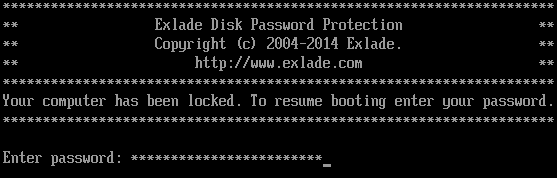
Ordinary and hidden boot protection

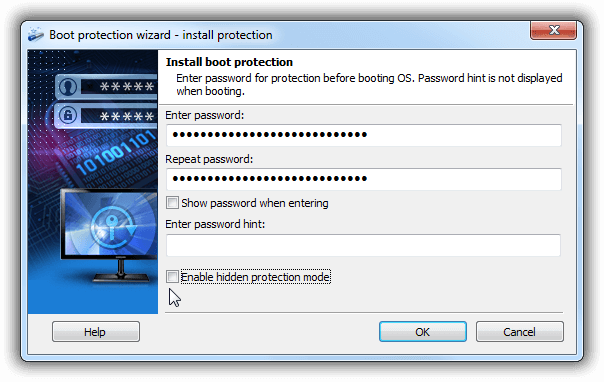
How to enable hidden boot protection
Turn on the corresponding option when you enable boot protection.
Full list of changes: what’s new in Disk Password Protection 5.1.
Try Disk Password Protection free for 30 days
No limitations during the trial. Windows 11, 10, 8.1, 8 and 7 SP1.
Free Trial Pricing & Buy