Published on October 28, 2026 by Exlade
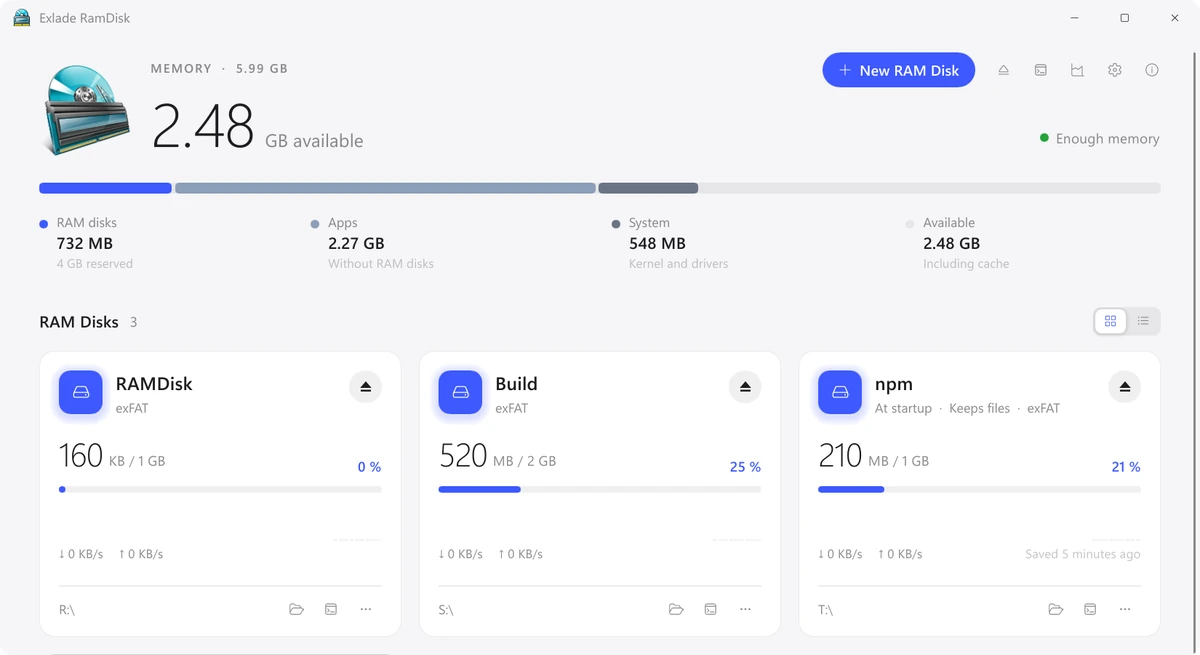
We have released Exlade RamDisk, free software that creates disks in memory on Windows 11 and 10, macOS and Linux. Builds, caches and temporary files on such a disk are read and written at memory speed and don’t wear out your SSD, and the files you need are kept across restarts.
Continue reading → Published on October 27, 2026 by Exlade
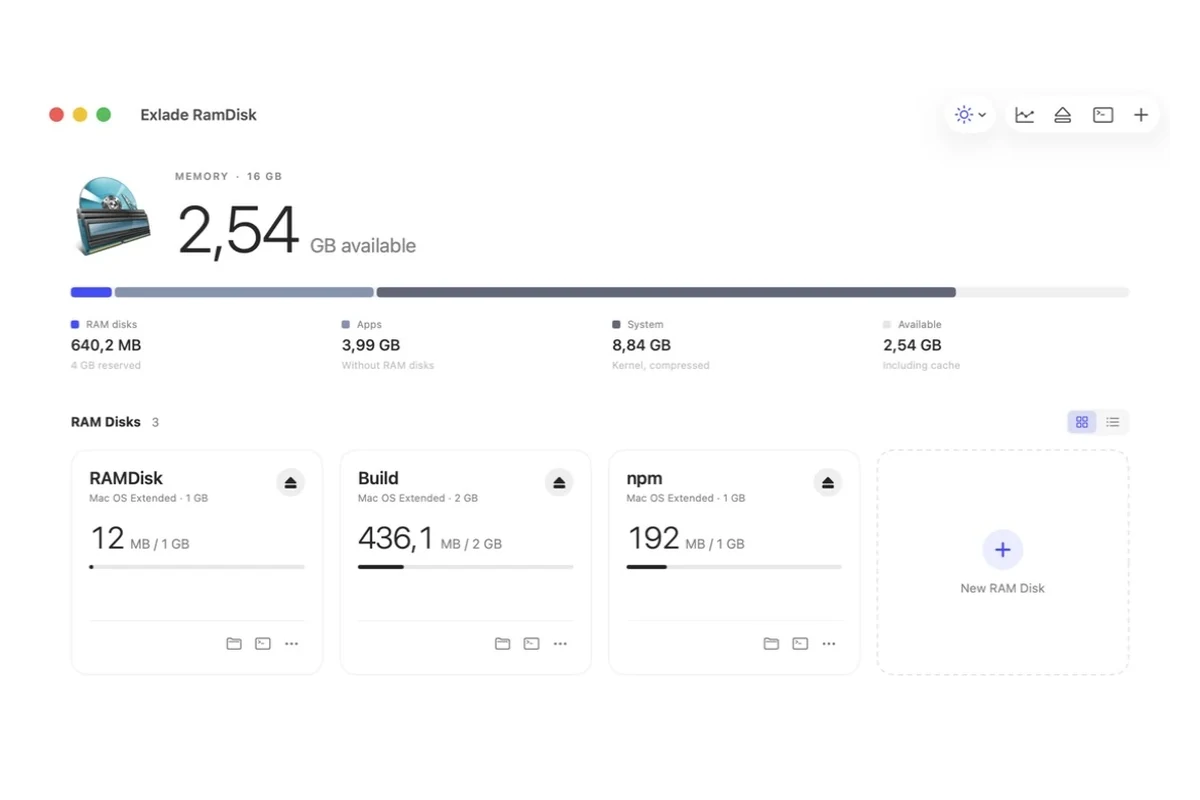
A build writes thousands of small files that nobody needs a day later: DerivedData, target, build, package caches. On a RAM disk this churn happens in memory, so builds and cache lookups get faster and the SSD is spared. Here is which folders are worth moving, the exact setting for each tool, and how to keep it working after a restart.
Continue reading → Published on October 27, 2026 by Exlade
Disk Utility has no “New RAM disk” button, but macOS can create one: two built-in Terminal commands, hdiutil and diskutil, make a disk in memory with one line. Below are the commands, the size math, how to eject the disk, what this way can’t do, and when an app is easier.
Continue reading → Published on October 27, 2026 by Exlade
A RAM disk is a drive that lives in memory: files on it are read and written at memory speed and never touch the SSD, and they vanish when the disk is gone. Whether that is worth giving up part of your RAM depends on what you put there and how much memory you have.
Continue reading → Published on October 27, 2026 by Exlade
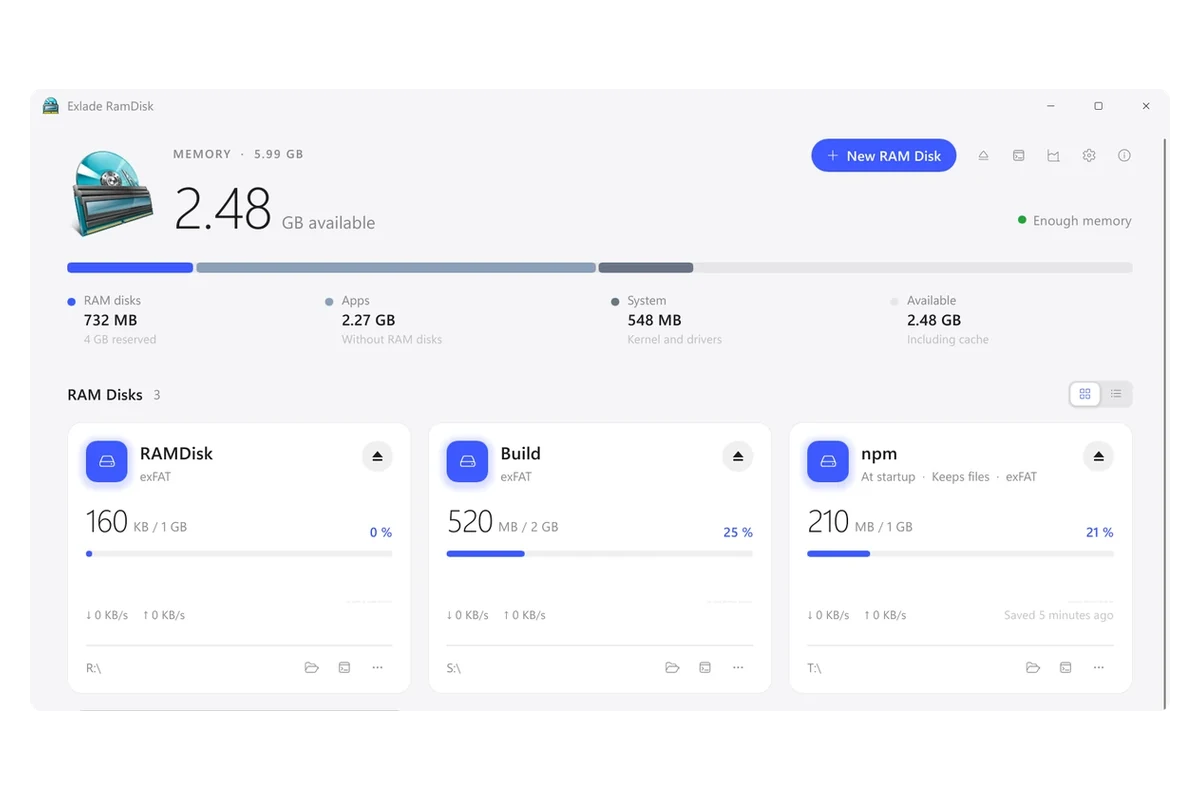
For years ImDisk Toolkit was the answer to “which free RAM disk should I use on Windows”. In 2026 its own project page says it is no longer in development and points to a successor. If your RAM disk still runs on ImDisk, here is what is maintained today, what each option does well and how to move your disk over.
Continue reading → Published on October 27, 2026 by Exlade
Windows 11 and 10 can’t create a RAM disk on their own: there is no such option in Disk Management or Settings, so you need a small program with a driver. Below are the steps in the free Exlade RamDisk, which file system to choose and what is worth moving to the disk.
Continue reading → Published on October 27, 2026 by Exlade
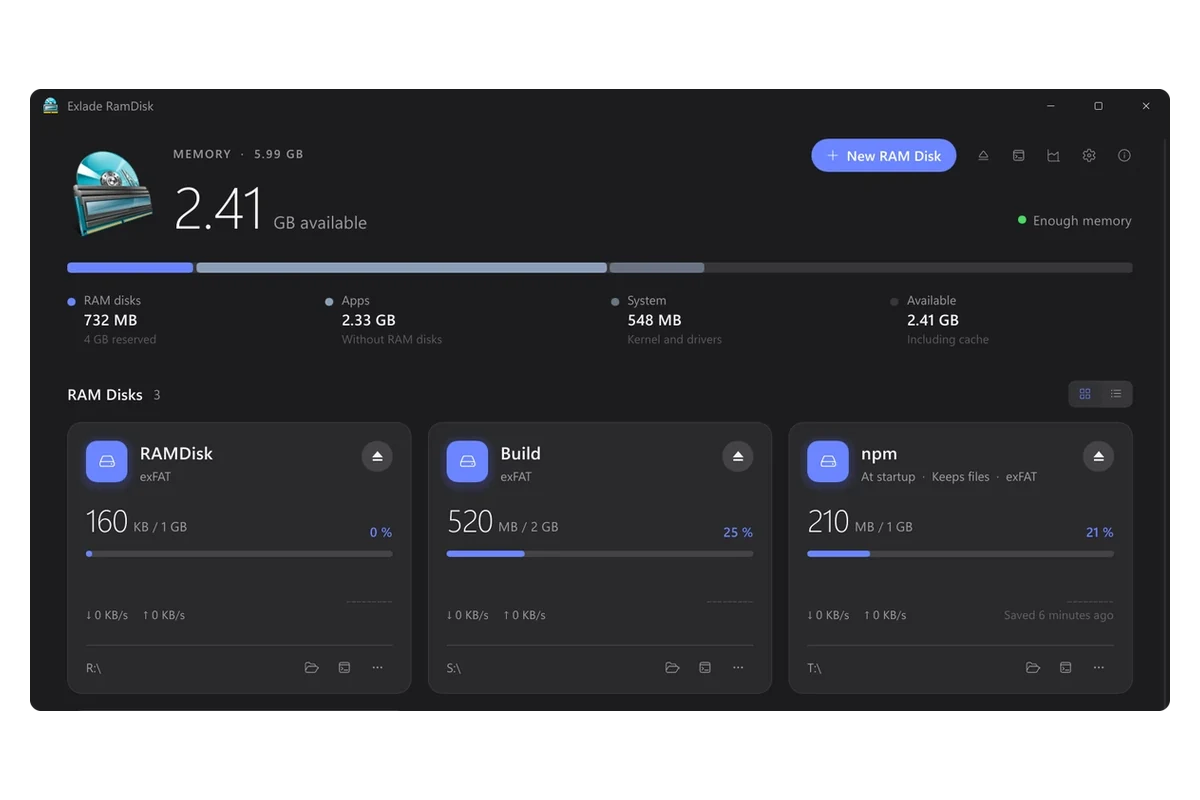
A browser writes copies of pictures, scripts and pages to the disk all day long. Move that cache to a RAM disk, and the writes go to memory instead of the SSD, and the cache disappears when you restart the computer. Here is what that gives you, and how to do it by hand or in one click.
Continue reading → Published on October 25, 2026 by Exlade
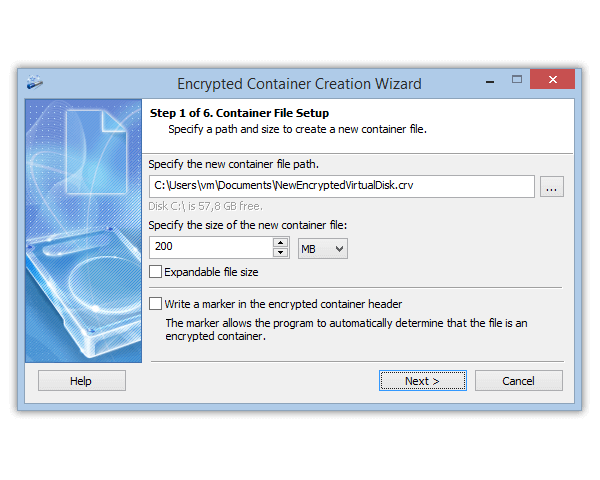
VeraCrypt is free, open source and very capable. It is also the program people most often call “too complicated”. If you gave up halfway through its wizard, or miss something it doesn’t offer, this article is for you.
Continue reading → Published on October 25, 2026 by Exlade
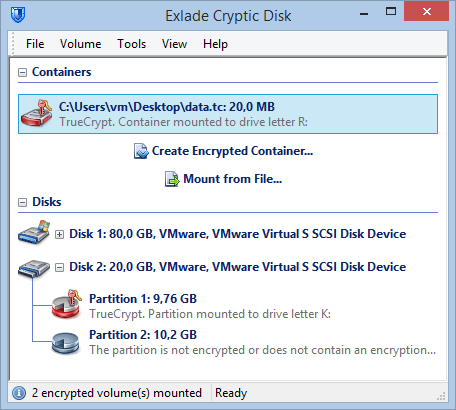
For about ten years TrueCrypt was the free tool for disk encryption, and many people still have TrueCrypt containers on old drives and USB sticks. Development stopped in 2014, but the name comes back whenever someone finds a .tc file and needs what’s inside.
Continue reading → Published on October 25, 2026 by Exlade

A freelancer leaves a laptop on a train. On it: client contracts, invoices with names and addresses, a CRM export. Under the GDPR that’s a personal data breach. A short internal record, or a report to the authority plus a letter to every client? That depends largely on one question: was the data encrypted?
Continue reading → Published on October 25, 2026 by Exlade
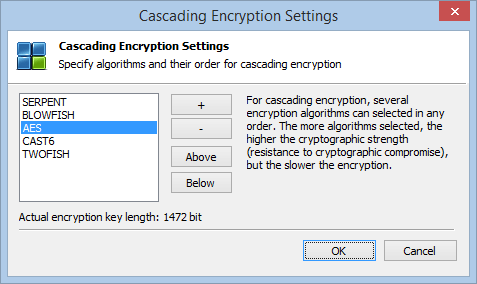
Windows already has encryption built in, so why install more? Because the built-in tools depend on your Windows edition and hardware, and none of them covers every job: a laptop’s system disk, a USB stick, a file sent by email and a folder you want to hide are four different tasks.
Continue reading → Published on October 25, 2026 by Exlade
A tax return for your accountant, a passport scan on a laptop, a contract on a USB stick: the file should open only with the password. Windows has no “set password” command for a file, but there are several reliable ways.
Continue reading → Published on October 25, 2026 by Exlade
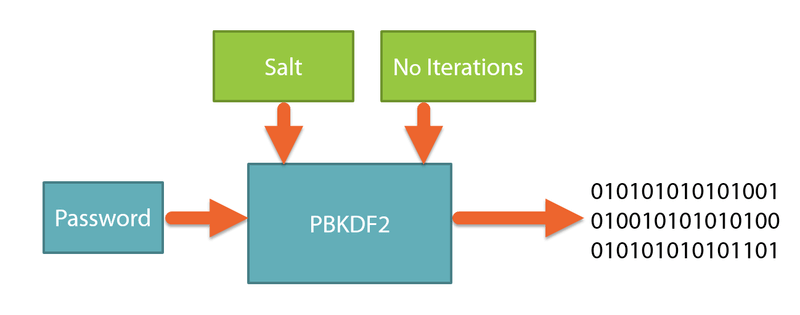
Some fear a thief or a curious repair technician could open their encrypted drive. Others lost a password and hope a program can recover their files. The answer is the same for both: modern encryption such as AES-256 is not broken by trying every key.
Continue reading → Published on October 25, 2026 by Exlade
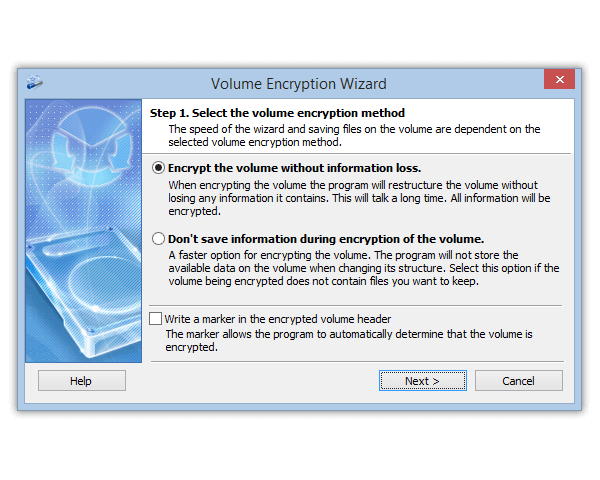
You right-click a drive in File Explorer, look for the BitLocker command and it isn’t there. That’s normal: BitLocker is part of Windows 11 Pro, Enterprise and Education, not Home. But Home has Device encryption, and other tools cover the rest.
Continue reading → Published on October 8, 2026 by Exlade
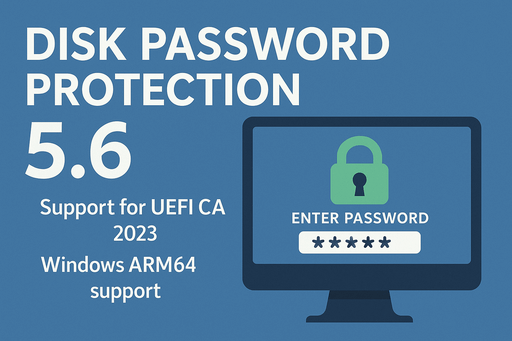
Snapdragon X laptops, many of them sold as Copilot+ PCs, come with Windows Hello and often with encryption already on. A password that has to be entered before Windows even starts is still worth adding.
Continue reading → Published on October 8, 2026 by Exlade
On a trip, a laptop is far more likely to end up in someone else’s hands than at home. The hardware can be replaced; your documents, emails and access to work systems are much harder to get back.
Continue reading → Published on October 8, 2026 by Exlade
A USB flash drive is the easiest thing in your bag to lose: in a colleague’s laptop, the office printer, on a hotel desk. If it holds contracts, scanned IDs or a work database, whoever finds it only has to plug it in. A password helps, but only with real encryption behind it.
Continue reading → Published on October 8, 2026 by Exlade
A family PC is shared by kids, partners and guests, and a work laptop sometimes ends up in a colleague’s hands. Usually you only want to lock one folder with scanned documents, private photos or work files, yet Windows 10 and 11 have no button for that.
Continue reading → Published on October 8, 2026 by Exlade
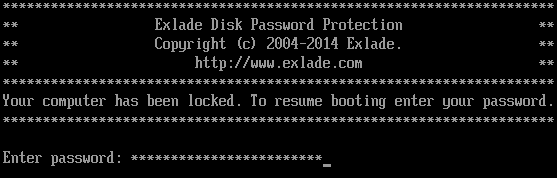
The short answer: if a password is your only protection, make it at least 15 characters long. If sign-in also needs a code or a security key, 8 characters is the minimum, but longer is still better.
Continue reading → Published on October 8, 2026 by Exlade
A backup drive sits next to the laptop, in a drawer or a bag, with years of documents, photos, work projects and scanned IDs, all unprotected. Lose it, and a stranger gets your whole archive.
Here is how to encrypt an external hard drive or SSD on Windows with Cryptic Disk, back up to it and check that the backup works.
Continue reading → Published on October 8, 2026 by Exlade
OneDrive and Google Drive encrypt your files, but they keep the keys. If you want documents in the cloud that only you can read, encrypt them before they are uploaded.
Continue reading → Published on November 23, 2025 by Exlade
In Disk Password Protection 5.6, the boot protection modules are signed with the Microsoft UEFI CA 2023 certificate, Windows on ARM is supported, and the boot password is now checked with PBKDF2.
Continue reading → Published on November 22, 2025 by Exlade
A stolen laptop can be replaced; a stranger reading your documents, correspondence and passwords is much worse. Here is what each protection measure really does, what it doesn’t, and how to combine them.
Continue reading → Published on November 21, 2025 by Exlade
A lost, stolen or borrowed laptop exposes documents, photos, messages and backups, and hidden folders, archives with a password or a Windows password won’t keep them private. Hidden volumes in Cryptic Disk hide data so that nobody can even tell it exists.
Continue reading → Published on February 14, 2018 by Exlade
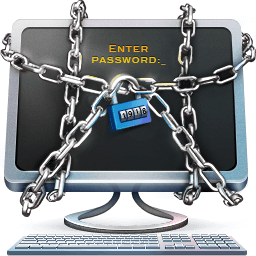
Disk Password Protection 5.5 lets you change the welcome message shown by the boot protection.
Continue reading → Published on November 14, 2015 by Exlade
Windows 10 and 11 can hide a drive or partition in a couple of minutes with built-in tools, but only out of sight: anyone with administrator rights brings it back just as quickly. Here are the three built-in methods and a fourth one that hides a partition with a password, even on another computer.
Continue reading → Published on November 12, 2015 by Exlade
Your Windows password is checked only after the system has loaded and protects nothing but your sign-in. To make a PC or laptop refuse to start Windows without a password, you need a password on computer startup: in the UEFI (BIOS), in BitLocker or with a boot protection program such as Disk Password Protection.
Continue reading → Published on November 1, 2015 by Exlade
Many SSDs encrypt everything they store on their own. These self-encrypting drives (SEDs) sound perfect: no slowdown, nothing to install. The catch: you trust closed firmware you can’t check, and researchers have shown more than once that this trust can be misplaced.
Continue reading → Published on October 16, 2015 by Exlade
Cryptic Disk 5.1 brings many bug fixes and improvements. The three main ones: automatic unmounting on session lock, the Windows 8 and 10 Notification Center and the exFAT file system.
Continue reading → Published on June 5, 2015 by Exlade
The main innovation in Disk Password Protection 5.1 is a hidden mode of boot protection. No password prompt is shown and the computer looks frozen. Windows (or any other operating system) starts only after the correct password is typed and Enter is pressed.
Continue reading → Published on June 4, 2015 by Exlade
Cryptic Disk 5.0 keeps keyfiles on hardware security tokens and smart cards, supports TrueCrypt keyfiles, adds a keyfile generator and adapts the interface for people with disabilities.
Continue reading → Published on May 27, 2015 by Exlade

You can’t put a password on an ordinary folder in Dropbox. Dropbox encrypts your files on its servers, but it keeps the keys, so anyone who gets into your account sees everything. For a folder only you can open, encrypt the files on your PC before Dropbox uploads them.
Continue reading → Published on May 26, 2015 by Exlade

Skype kept your whole chat history in open files on your computer. Anyone who copied them could read every conversation with special software, without your Skype password.
Continue reading → Published on May 25, 2015 by Exlade
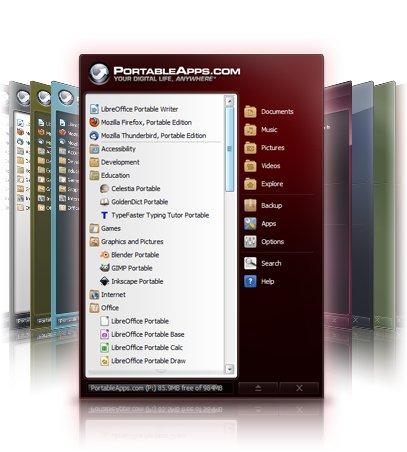
PortableApps keeps your portable programs and all their data in one folder. Put that folder on an encrypted drive or container, and every program, its settings and files open only with your password.
Continue reading → Published on May 24, 2015 by Exlade

Inside an encrypted volume or container you can create a second, hidden encrypted volume. Nobody can prove that it exists.
Continue reading → Published on May 23, 2015 by Exlade
A laptop gets stolen, an external drive is left in a car, an old disk goes to a repair shop or into the trash. If the data isn’t encrypted, anyone who connects the drive to another computer reads every file. A Windows password protects signing in, not the disk.
Continue reading → Published on May 22, 2015 by Exlade
An encrypted container is a single file that turns into a separate drive with its own letter after you enter a password. You work with that drive like any other, while everything you save to it is stored encrypted inside the file. Unmount it, and only an unreadable file is left.
Continue reading → Published on May 21, 2015 by Exlade
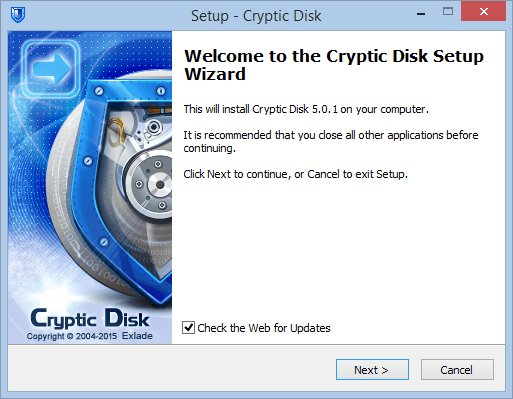
Installing Cryptic Disk takes a few minutes: run the setup and follow the wizard. The same setup can also extract a portable copy.
Continue reading → Published on October 18, 2014 by Exlade

Cryptic Disk 4 brings a new free version that opens TrueCrypt containers. Since the TrueCrypt project was closed, its users have had to look for alternatives.
Continue reading → Published on July 15, 2014 by Exlade
Disk Password Protection 5.0 is a complete relaunch: not a set of small improvements but a new product, rebuilt on a new core, with boot protection on UEFI systems, support for GPT and Advanced Format disks and a new interface.
Continue reading → Published on May 23, 2013 by Exlade
Cryptic Disk 3.1, the tool for encrypting file containers and physical disks, adds the SHA-3 (Keccak) hash, faster AES encryption on processors with hardware AES support and a more responsive interface.
Continue reading →