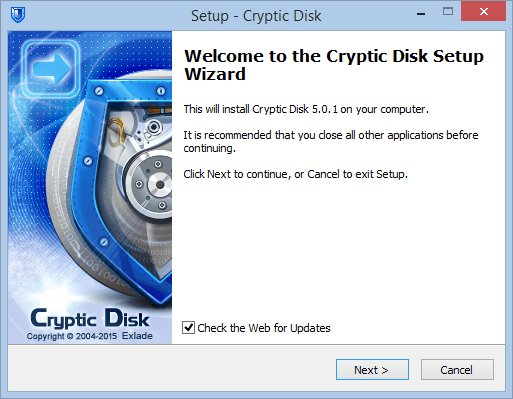
Installing Cryptic Disk takes a few minutes: run the setup and follow the wizard. The same setup can also extract a portable copy.
- Run the setup as administrator to install.
- Keep the update check on: the wizard fetches the latest version itself.
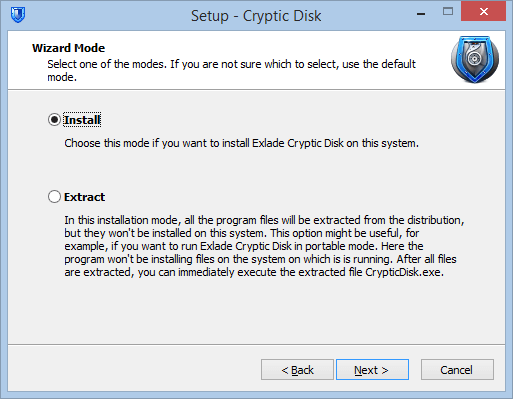
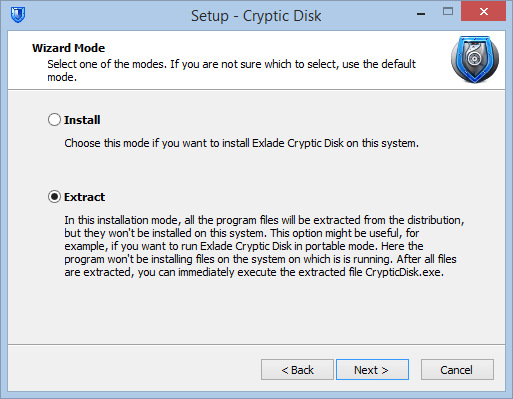
- "Install" or "Extract": installation or a portable copy.
Installation steps
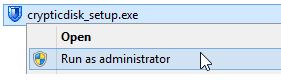
Get it on the download page, right-click the file and select "Run as administrator". Not needed for a portable copy.
The wizard opens in your system's language. Leave "Check the Web for Updates" ticked: if a newer version exists, the wizard downloads and runs it. Click "Next".
Accept it and click "Next".
Leave "Install" selected. "Extract" is for a portable copy (see below).
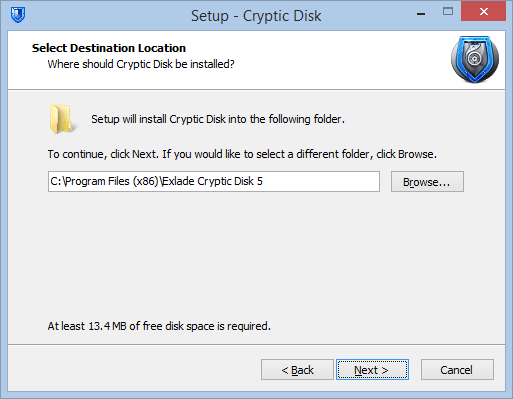
Keep the suggested folder or choose another.
Pick a folder for the shortcuts to the program and documentation, or turn them off.
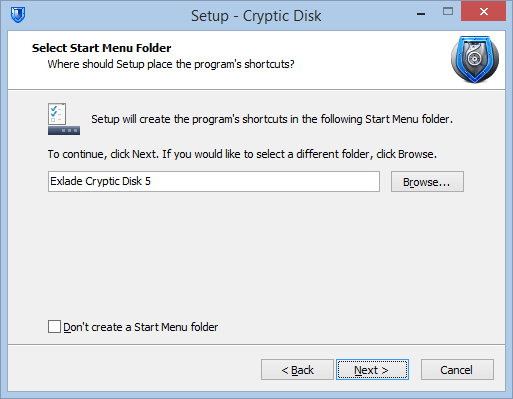
Create a desktop icon or not, and install for all users or "For current user only". The latter sets up shortcuts and auto-start at sign-in only for you.
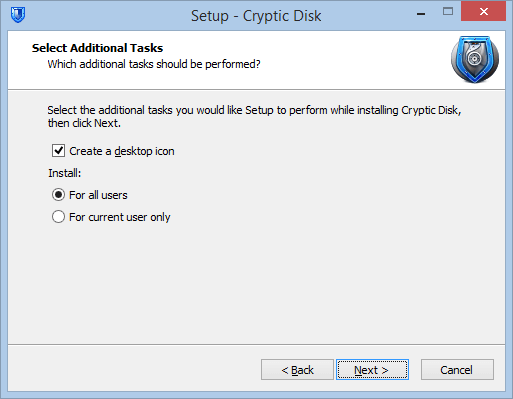
Check the summary and click "Install".
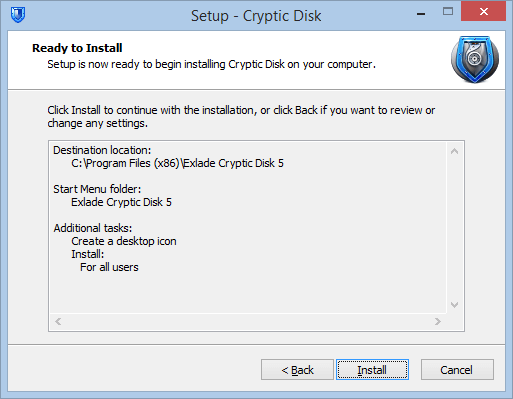
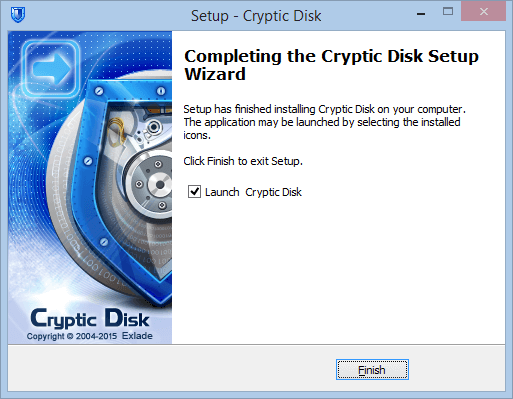
The wizard offers to launch the program. Click "Finish".
Portable version
No installation needed: choose "Extract", and the setup only copies the program files to any folder or USB stick. Run CrypticDisk.exe from there. More about portable mode and other features.
Next: create an encrypted container or encrypt a drive.
No limitations during the trial. Windows 11, 10, 8.1, 8, 7, Vista and XP.
Free Trial Pricing & Buy